
TABLE OF CONTENTS
What is Amazon Attribution for Advertising?
Why Direct Traffic to Amazon in the First Place?
Who Can Use Amazon Attribution?
- Brand-Registered Sellers (Seller Central)
- Vendors Selling Through Vendor Central (1P)
- Agencies and Marketing Partners
- Influencers, Affiliates, or Creators Running Paid Traffic
Who cannot use Amazon Attribution?
How Amazon Attribution Works (The Mechanics)
- You create an Amazon Attribution tag
- A shopper clicks your tagged link
- Amazon measures the shopper’s actions
- Data is collected within an “attribution window”
- You review your results inside the dashboard
- You optimize your campaigns
Metrics & Data You Can Track With Amazon Attribution
How Advertisers / Sellers Can Use Amazon Attribution
- Measure the Impact of Off-Amazon Campaigns
- Improve Budget Allocation
- Strengthen Your Product Listings Based on Real Behavior
- Compare Audiences Across Platforms
- Test Creative Variations With Real Sales Data
- Track Influencer or Affiliate Performance
- Understand the Full Customer Journey
- Drive More External Traffic to Boost Amazon Rankings
Step-by-Step Guide: How to Set Up Amazon Attribution
Option 1: Manual Campaign Setup (Best for Small Campaigns)
Option 2: Bulk Upload Campaign Setup (Best for Large Campaigns)
Limitations & What Amazon Attribution Can’t Do
- It Only Tracks Clicked Traffic
- It Doesn’t Capture Full Halo Attribution
- Attribution Is Limited to Amazon’s Window
- It Doesn’t Track On-Amazon Ads
- Limited Insight Into Customer Behavior
- Requires Clean Setup to Work Properly


Share via:
If you sell on Amazon, you’ve probably wondered why it’s so hard to tell which of your marketing efforts helps you make sales.
You might run ads on Facebook, post on Instagram, or send emails, but you’d be unable to measure your success. Well, Amazon Attribution fixes that problem.
This article explains what Amazon Attribution is, how it works, who can use it, what data it gives you, and how to set it up easily.
What is Amazon Attribution for Advertising?
Amazon Attribution is a tool that helps you track what happens when people click on your links before they reach Amazon. It shows you which external marketing channels drove sales or product page views on Amazon.
When you create a campaign outside of Amazon, maybe a Facebook ad, Google search ad, TikTok video, influencer promo, or even a link in your newsletter, you can attach a special tracking link called an Amazon Attribution link.
When someone clicks that link, Amazon can tell you if:
- They viewed your product
- They added it to their cart
- They bought your product
It can also tell you the amount of revenue that came from that traffic. This means smarter decisions, better budget allocation, and fewer wasted clicks.
Why Direct Traffic to Amazon in the First Place?

If you already have a website, it might feel strange to send people to Amazon instead. But many brands do it, and for good reason.
Driving traffic to Amazon often leads to higher conversion rates and faster sales growth. Here’s why:
- Shoppers trust Amazon: People already have their payment details saved, their shipping address stored, and their expectations set. Buying takes only a few clicks, so customers are more likely to complete the purchase
- Amazon’s algorithm rewards external traffic: When you bring shoppers from other platforms to Amazon, it can boost your ranking, help you appear in more searches, and improve overall visibility. Amazon sees it as a positive signal
- Conversion rates are usually better: If someone is already an Amazon buyer, they’re comfortable with the process. That increases the chance of a sale.
- You tap into impulse buying: Prime shipping, quick checkout, and amazon reviews all help to speed up a shopper’s decision
- You can scale faster: Rather than relying only on Amazon ads, you can use Facebook, Google, TikTok, influencers, or email to drive fresh traffic, giving you more control over your growth
Amazon Attribution helps you see exactly how well this outside traffic performs, so you can accurately measure your achievements.
Who Can Use Amazon Attribution?
Amazon Attribution isn’t available to every seller, but it is open to most brands that are actively building a presence on Amazon. The goal of the tool is to give real, useful attribution tracking to businesses that already rely on Amazon as a major sales channel.
Here’s a clear breakdown of who qualifies:
1. Brand-Registered Sellers (Seller Central)
If you sell your own branded products through Seller Central and you’re enrolled in Brand Registry, you can use Amazon Attribution right away. This includes private-label brands and any business that owns the rights to the products they sell.
Brand Registry is the main requirement because Amazon wants to make sure the person running the advertising and attribution measurement actually owns the brand.
2. Vendors Selling Through Vendor Central (1P)
Brands that sell directly to Amazon as a vendor automatically get access.
Since Amazon handles the listing, pricing, and distribution, vendors often use Amazon Attribution links to understand which external campaigns help move inventory.
3. Agencies and Marketing Partners
If a brand works with a marketing agency, the agency can use Amazon Attribution as long as they’re added as a partner inside the account.
Agencies typically use this tool to measure social ads, Google campaigns, influencer traffic, and other off-Amazon promotions through one campaign attribution tool.
4. Influencers, Affiliates, or Creators Running Paid Traffic
Creators who run paid ads or promote Amazon listings can use custom attribution tags, but only with the brand's permission.
This helps both sides see which placements drive more glance views, add-to-carts, or completed purchases.
Who cannot use Amazon Attribution?
A few groups of people don’t qualify:
- Sellers who are not in Brand Registry
- Sellers who only resell other brands’ products
- Dropshippers selling items they don’t own
- Anyone without direct access to the brand’s Amazon listings
If you want access, the easiest path is to enroll your brand in Amazon Brand Registry.
How Amazon Attribution Works (The Mechanics)
Amazon Attribution works by creating a special tracking link, often called an Amazon Attribution link or Amazon ad tag, that you attach to your off-Amazon campaigns.
When someone clicks that link, Amazon can follow their actions on your listing. Here’s the simple version of how the tool works:
Amazon Attribution works by giving you special tracking tags that show how your off-Amazon marketing drives actions on your Amazon listings. These tags help you measure everything from product page views to purchases, so you can finally see which outside channels move customers closer to a sale.
Here’s how it works in real, everyday terms:
1. You create an Amazon Attribution tag
Inside the Amazon Attribution console, you can generate a tracking tag for each marketing activity you want to measure. This tag is added to your:
- Facebook ads
- Instagram posts
- Google ads
- TikTok campaigns
- Influencer links
- Email buttons
- Blog placements
- Landing pages
Each tag is unique, so Amazon knows exactly where the shopper came from.
2. A shopper clicks your tagged link
Once someone clicks an Amazon Attribution link, Amazon can follow their behaviour on your listing.
This turns your off-Amazon traffic into measurable data.
3. Amazon measures the shopper’s actions
After the shopper takes action by clicking the tagged link, Amazon tracks:
- Detail page views (glance views)
- Add-to-carts
- Purchases
- Total sales and units sold
This gives you clear attribution analytics so you can see which channels lead to sales.
4. Data is collected within an “attribution window”
Amazon assigns credit to a campaign if the customer completes an action within a set period after clicking the link. This time frame is called the attribution window.
This window helps you understand how long it usually takes for your off-Amazon traffic to convert.
5. You review your results inside the dashboard
Your Amazon Attribution dashboard shows you performance for every tag, including:
- How many people viewed your product
- How many added it to their cart
- How many bought
- Revenue from each campaign
- The full path from click → action
You can quickly see what’s working and what’s not.
6. You optimize your campaigns
With real numbers guiding you, you can:
- Increase spending on channels that convert
- Improve creatives that only drive clicks but no sales
- Test new audiences
- Strengthen your Amazon ad model
- Build smarter full-funnel strategies
The goal of all these is to generate more Amazon sales more accurately.
Metrics & Data You Can Track With Amazon Attribution
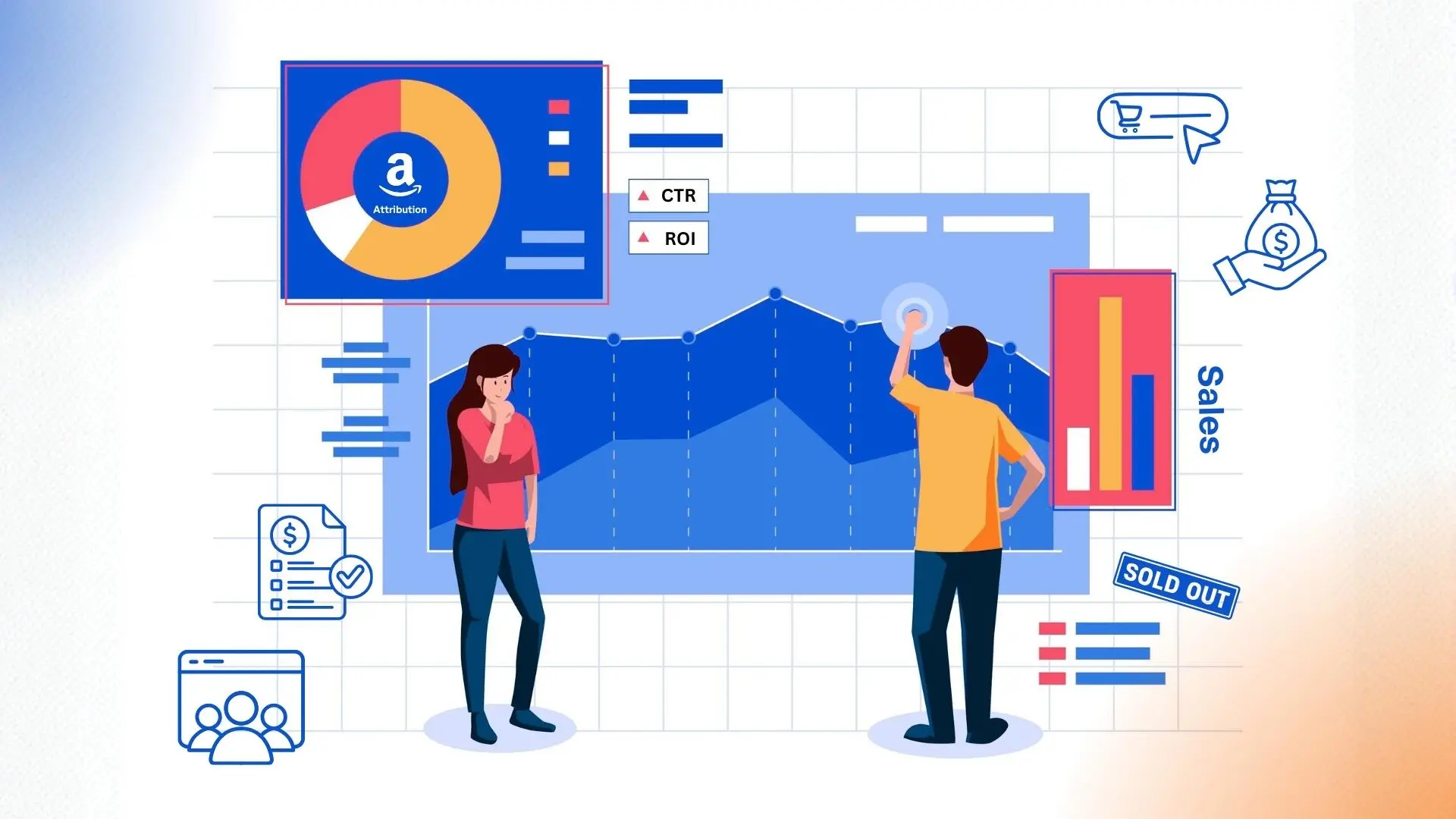
Amazon Attribution gives you a complete view of what people do after clicking your tagged links.
Here are the main metrics and data you can track:
- Click-Throughs: This shows how many people clicked your Amazon Attribution link. It is useful for measuring interest. It also helps you compare ad performance across platforms. If you’re getting a lot of clicks but no sales, the traffic may be poorly targeted, or your listing may need improvement
- Detail Page Views (Glance Views): This shows how many people actually reached your listing, helps you see which campaigns drive the strongest interest, and is also useful for checking message and creative alignment. If clicks are high but glance views are low, your link may not be directing shoppers to the correct destination
- Add-to-Carts: This tells you how many people added your product to their cart. It is a strong sign of intent; it helps you see whether your product offer is resonating. It is also great for comparing interest levels across multiple channels
- Purchases: This metric shows how many completed orders came from your tagged link. It shows which campaigns converted, it also helps you calculate your return on investment (ROI), and confirms whether your off-Amazon traffic is worth scaling
- Total Sales & Revenue: Here, you’ll see the exact amount of money generated by each tag. It helps you identify high-performing channels, make smarter budget decisions, and determine where to increase or reduce spending
- Units Sold: This shows the number of items purchased through each attribution tag. It is useful for inventory planning, helps you compare product performance, and also helps you read seasonality or trend shifts
Also, some advertisers get access to data showing how many buyers purchased their product for the first time. This information is useful for growth planning. It also helps you understand whether your external campaigns are bringing in fresh customers.
How Advertisers / Sellers Can Use Amazon Attribution

Amazon Attribution helps you make more informed marketing decisions, reduce wasted spend, and push more qualified traffic to your Amazon listings.
Here are the most practical ways brands and advertisers use it today:
1. Measure the Impact of Off-Amazon Campaigns
Use Amazon Attribution to see which platforms drive sales. You can track performance from:
- Facebook & Instagram ads
- Google Search and Display
- TikTok ads
- Influencer promotions
- Email campaigns
- Blog posts and reviews
- Landing pages and QR codes
This helps you understand where your best customers come from.
2. Improve Budget Allocation
Instead of guessing which campaigns work, you can compare:
- Clicks
- Page views
- Add-to-carts
- Purchases
- Revenue
Then you adjust your budget to the channels that convert most and reduce spend on those that don’t.
3. Strengthen Your Product Listings Based on Real Behavior
If your ads generate plenty of clicks but very few sales, then the problem might be your listing. Amazon Attribution helps you spot issues such as:
- Low-quality images
- Weak titles or descriptions
- Price gaps
- A/B tests that aren’t performing
Once you identify the problem, you can make necessary improvements.
4. Compare Audiences Across Platforms
Amazon Attribution shows you which audiences respond best to your product. For example:
- TikTok may send high traffic but low conversions
- Google may send fewer clicks but higher sales
- Instagram may drive strong add-to-carts, but fewer purchases
This helps you build a better Amazon ad model and refine your targeting.
5. Test Creative Variations With Real Sales Data
You can create multiple attribution tags to test:
- Different ad headlines
- Different images or videos
- Different angles (price-focused vs. benefit-focused)
- Different landing page flows
You’ll see which version drives the most purchases.
6. Track Influencer or Affiliate Performance
Influencers often drive traffic, but not all influencers drive sales. With Amazon Attribution, you can:
- Give each influencer their own tag
- Track how many sales they generate
- Compare their performance
- Use data when negotiating rates
This helps you accurately track your influencer or affiliate marketing programs.
7. Understand the Full Customer Journey
Because Amazon Attribution tracks glance views, add-to-carts, and purchases, you can see:
- Where interest starts
- Where shoppers hesitate
- Where conversion actually happens
This helps you build stronger campaigns from top to bottom.
8. Drive More External Traffic to Boost Amazon Rankings
Amazon rewards listings that attract qualified outside traffic. Using attribution tags, you can safely bring in:
- Google Shopping traffic
- Social ads
- Creator content
- Email traffic
This can help improve your organic rank and overall visibility.
Step-by-Step Guide: How to Set Up Amazon Attribution
Amazon Attribution gives you two ways to create campaigns: manual setup or bulk upload. The right option for you depends on how many ads or keywords you want to track.
Let’s break it down:
Option 1: Manual Campaign Setup (Best for Small Campaigns)
This option is ideal if you’re tracking a few ads, social posts, or influencer links.
Step 1: Start Your Campaign
1. Sign in to the Amazon Advertising Console
2. Open the menu and go to Measurement and Reporting
3. Click Amazon Attribution
4. Select Create campaign
5. Under “Creation method,” choose Create manually
Step 2: Set Up Campaign Details and Add Products
1. Enter a campaign name
- This is only for your reference
- Use clear names like Best Sellers Promo, New Product Launch, or Holiday Sale
2. Add products to the campaign
- Only in-stock products with images and prices will appear
- Choose products that match your campaign goal
- You can include multiple products or variations (size, color)
3. If products are missing or incorrect
- Go to Access and Settings → Brands
- Add or remove products to fix brand mapping
Step 3: Create Ad Groups and Generate Attribution Tags
Create one ad group per strategy or placement.
For each ad group, add:
- Ad group name: Describe where the tag will be used
- Publisher: Facebook, Instagram, Google, or add a new one
- Channel: Social, search, email, display, etc.
- Click-through URL: Product page or Amazon Store
Each ad group automatically generates a unique Amazon Attribution tag. You can add multiple ad groups under one campaign.
When done, click Create.
Step 4: Apply Your Attribution Tags
1. Copy the attribution tag generated for each ad group
2. Paste it into the destination URL field inside:
- Facebook Ads Manager
- Google Ads
- Email platforms
- Influencer links
- Blog buttons
Replace the normal Amazon link with the attribution tag. This step is very important because without it, tracking won’t work.
Option 2: Bulk Upload Campaign Setup (Best for Large Campaigns)
This option is best if you’re tracking many ads or keywords at once, such as:
- Up to 100,000 Google search keywords
- Up to 8,500 Facebook or Instagram ads
Step 1: Start a Bulk Campaign
1. Go to Amazon Attribution → Create campaign
2. Choose Upload a file to create in bulk
Step 2: Download the Bulk File Template
1. Under Publisher, select:
- Google Ads, or
- Facebook / Instagram
2. Download the bulk template
3. Open the Instructions tab and review the required columns
Step 3: Fill in the Template
For Google Search Campaigns
1. Go to Google Ads → Reports → Custom → Table
2. Select the required columns
3. Download the report
4. Copy the data into the Keywords tab (columns A–H)
5. Save the file as XLS or XLSX
For Facebook or Instagram Campaigns
1. Open Facebook Ads Manager
2. Select the campaign(s) you want to track
3. Click Export & Import → Export Selected
4. Copy the data into the Ads tab (columns A–J)
5. Save the file as XLS or XLSX
Step 4: Upload the Bulk File
1. Go back to the Amazon Advertising Console
2. Upload your completed file
3. Amazon will instantly check for errors
4. Fix any issues if flagged and re-upload
Step 5: Add Products to the Campaign
1. Select the products you want to track
2. Only in-stock products with images and prices are eligible
3. Group products based on your ad creative
Step 6: Finish Campaign Creation
1. Click Create
2. Tag generation takes about 10 minutes
3. You’ll receive an email when it’s complete
4. You can also track progress under Bulk-created campaigns
Step 7: Implement Your Attribution Tags
1. Download the final attribution tag file
2. Upload or paste tags into:
- Google Ads (Keywords → More → Upload)
- Facebook Ads Manager (Export & Import → Import Ads)
If you upload a file later with overlapping ads, Amazon will reuse existing tags and create new ones only when needed.
Always double-check that the attribution tag replaces the regular Amazon link. One missing tag means you’ve lost track of your data.
Limitations & What Amazon Attribution Can’t Do
Amazon Attribution is really good, but it’s not perfect. Knowing its limits will help you avoid wrong assumptions and use the data the right way.
Here’s what the tool can, and cannot, do.
1. It Only Tracks Clicked Traffic
Amazon Attribution only works when someone clicks your attribution link.
- No click means no tracking
- And views, impressions, or passive exposure are not counted
If someone sees your ad, remembers your brand, and then later searches on Amazon directly, that sale may not be attributed to your campaign.
2. It Doesn’t Capture Full Halo Attribution
Amazon Attribution focuses on direct actions, not long-term influence.
- Brand awareness effects are limited
- Delayed purchases outside the attribution window may not be credited
This means you may still see sales increase without having accurate attribution data.
3. Attribution Is Limited to Amazon’s Window
All actions must happen within Amazon’s attribution window.
- Purchases outside that time frame are not counted
- Longer buying cycles may be underreported
This is important for higher-priced or research-heavy products.
4. It Doesn’t Track On-Amazon Ads
Amazon Attribution is for off-Amazon traffic only.
- Sponsored Products
- Sponsored Brands
- Sponsored Display
These are tracked separately through Amazon Advertising analytics.
5. Limited Insight Into Customer Behavior
You can see what actions happened, but not why they happened. Amazon Attribution does not show:
- Shopper demographics
- Search terms
- Competitor comparisons
- Session recordings
It shows outcomes, not detailed behaviour.
6. Requires Clean Setup to Work Properly
Incorrect implementation leads to insufficient data. Some common issues include:
- Using the wrong attribution tag
- Reusing tags across campaigns
- Forgetting to replace the original Amazon link
Even small setup mistakes can affect your attribution measurement.
Best Practices & Tips for Maximizing Amazon Attribution

Below are practical tips to help you collect more precise data, avoid common mistakes, and use the insights to grow sales.
1. Create Separate Attribution Tags for Every Campaign
Never reuse the same tag across multiple campaigns.
- One tag per platform
- One tag per ad group
- One tag per influencer
This keeps your attribution analytics clean and helps you see what’s driving results.
2. Name Campaigns and Ad Groups Clearly
Use names that explain exactly what the campaign is for. For example:
- Facebook – Retargeting – Best Seller
- Google Search – Brand Keywords
- Instagram – Influencer Launch
Clear naming makes it easier to analyze performance later.
3. Match the Destination to the Goal
Choose the right click-through URL:
- Use product detail pages when you want direct sales
- Use your Amazon Store when you want to browse or do brand discovery
Sending traffic to the wrong page can disrupt your conversion rates.
4. Watch Glance Views Before Purchases
High clicks with low glance views usually mean a link issue. High glance views with low purchases usually mean a listing issue.
This helps you decide whether to fix the ad or the product page.
5. Combine Attribution Data With Amazon Advertising Analytics
Amazon Attribution works best when paired with:
- Sponsored Ads data
- Organic ranking movement
- Sales velocity trends
Wrapping Up
Amazon Attribution gives you a better picture of what drives sales on Amazon. When you use it correctly, it helps you make better decisions. You can focus your budget on the channels that bring in buyers and spot issues on your product listings before they cost you sales.
It’s not a shortcut, but when combined with strong listings and innovative advertising, Amazon Attribution becomes a valuable part of your growth strategy.
If you’re still confused about how Amazon Attribution works, send us an email, and we’ll reach out to you with a clearer explanation.
faqs
1. What is an attribution link?
An attribution link is a special Amazon tracking link used to measure what shoppers do after clicking it. When someone clicks this link and visits Amazon, it records actions such as product page views, add-to-cart actions, and purchases. These links help you understand which ads, posts, or campaigns lead to sales.
2. Is Amazon Attribution free?
Yes, Amazon Attribution is free to use. Amazon does not charge for creating attribution links or viewing reports. You only pay for the advertising or marketing campaigns you run outside of Amazon, such as social ads or Google ads.
3. What is com.amazon.aa.attribution?
com.amazon.aa.attribution is the internal identifier Amazon uses for Amazon Attribution tracking. You may see it in analytics tools, reports, or referral data when traffic comes through an Amazon Attribution link. It simply indicates that the visit or purchase was tracked using Amazon Attribution.
4. How accurate is Amazon Attribution?
Amazon Attribution is generally accurate for tracking direct clicks that lead to actions within Amazon’s attribution window. However, it does not capture impressions, offline behaviour, or purchases made long after the click. It’s best used as a performance measurement tool alongside other Amazon advertising and sales data.
5. How do you get to Amazon Attribution on Seller Central?
To access Amazon Attribution, sign in to the Amazon Advertising Console. From the menu, go to Measurement and Reporting, then select Amazon Attribution.
6. What is the Amazon Attribution window?
The Amazon Attribution window is the period during which Amazon credits a shopper’s action to your attribution link. If a shopper clicks your link and completes an action within this time frame, it’s counted in your report. Purchases made outside the attribution window are not attributed to the campaign.

.svg)
.avif)

.svg)