
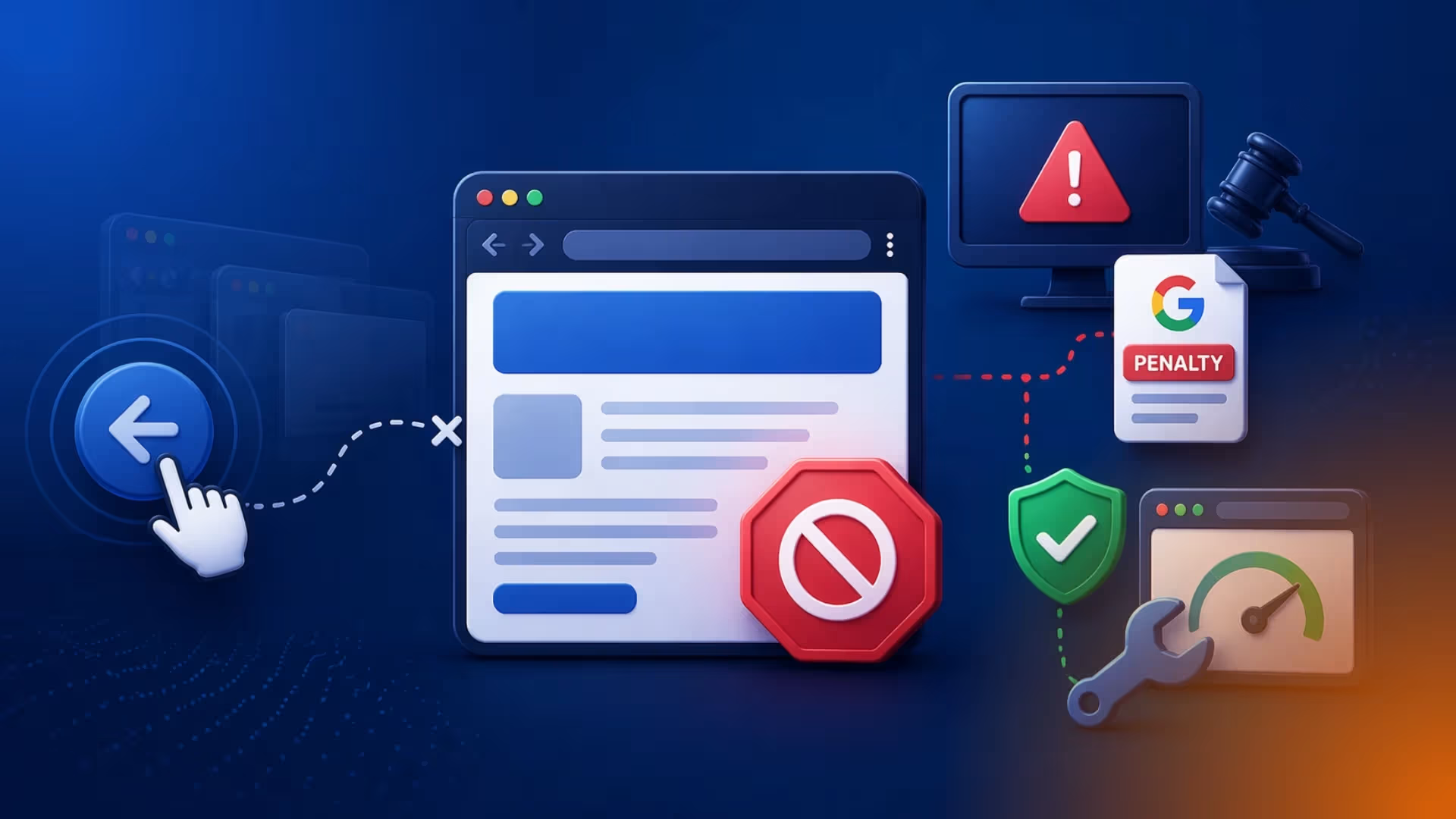
TABLE OF CONTENTS
What Is Back Button Hijacking?
How Does Back Button Hijacking Work Technically?
Google Spam Policy 2026: Why This Is Now a Violation
Back Button Hijacking Google Penalty: What Happens to Your Site
How to Fix Back Button Hijacking
- Test Your Site Manually
- Audit Your JavaScript
- Review Your Third-Party Scripts
- Check Your Ad Networks
- Submit a Reconsideration Request
Why Back Button Hijacking Is Bad for Your Site (Beyond the Penalty)


Share via:
Have you ever visited a website and tried to leave, only to find yourself stuck on the same page no matter how many times you hit the back button? If so, you've experienced back-button hijacking firsthand.
It's frustrating as a user. And if your website is doing it, it's a serious problem.
Back button hijacking is a browser navigation manipulation strategy that interferes with a user's ability to leave your site. Some websites do it deliberately to keep visitors engaged longer. Others do it accidentally through bad code or third-party scripts. Either way, Google treats it as a violation of its spam policies.
In this article, we're walking you through everything you need to know about back button hijacking. You’ll learn what it is, how it works, what Google's penalties look like, and exactly how to fix it before it damages your rankings.
What Is Back Button Hijacking?
When a user clicks the back button in their browser, they have one expectation: they want to return to the page they came from. Back button hijacking breaks that expectation entirely.
It's a form of browser history manipulation where a site interferes with a user's navigation and stops them from using the back button to leave. Instead of going back, users might land on a page they never visited, get hit with unsolicited ads or pop-ups, or find themselves stuck on the same page no matter how many times they click back.
In some cases, users have to click back a dozen or more times to escape the site. This is browser navigation manipulation at its worst, and unfortunately, it's been growing. Google's announcement on April 13, 2026, confirmed that the practice has become popular enough to warrant its own explicit policy.
How Does Back Button Hijacking Work Technically?
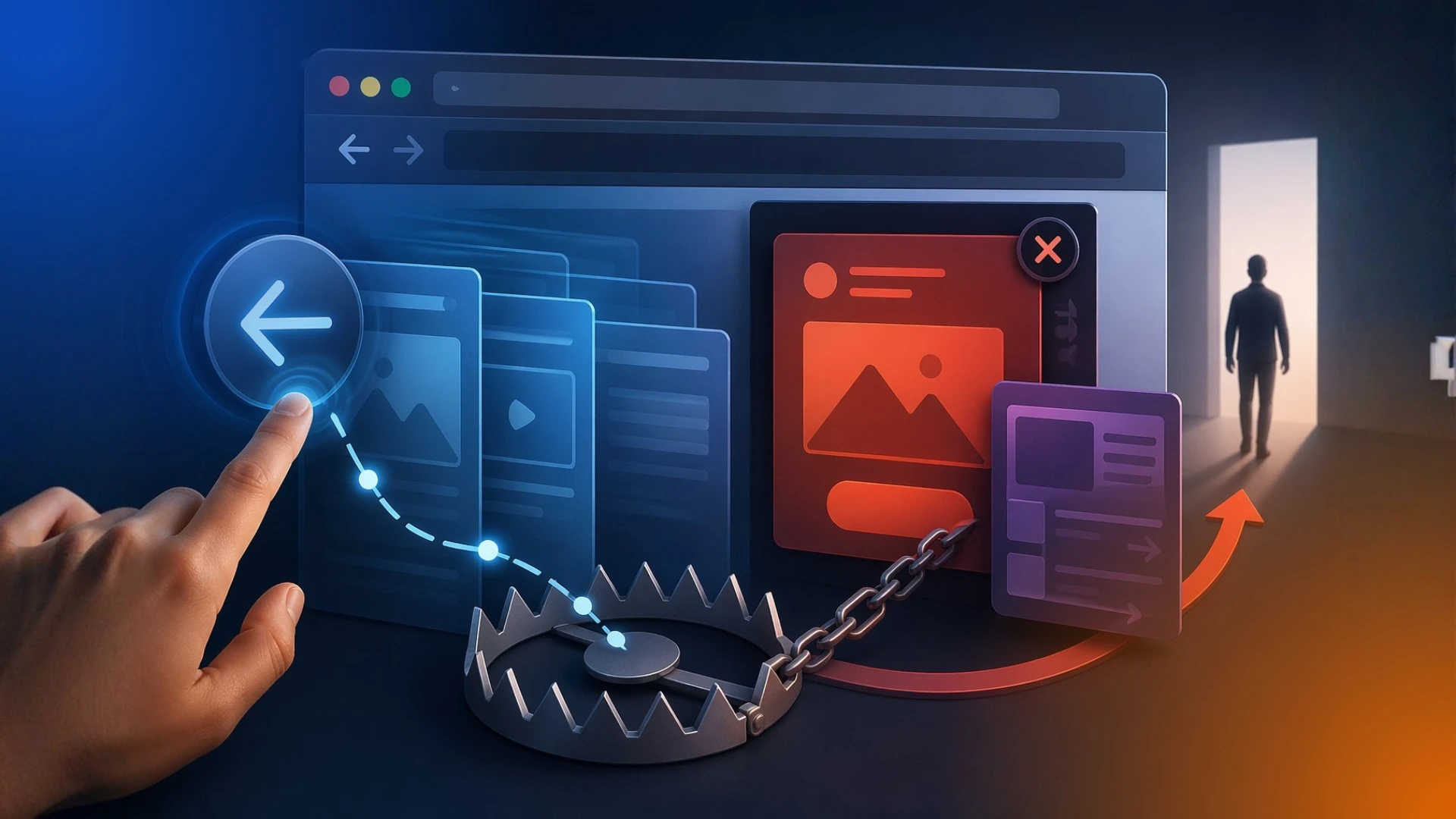
Back button hijacking works by abusing the browser's History API. When a page loads, a script injects fake entries into the user's browsing history using methods like history.pushState or history.replaceState.
When the user presses back, instead of returning to the previous page, they land on an interstitial, an ad, a recommendation feed, or simply the same page they were trying to leave.
The most common triggers include:
- Exit-intent overlays that fire specifically when “back” is pressed
- Pop-under ad scripts that intercept the browser's popstate event
- Recommendation widgets that redirect users rather than releasing them.
What makes this tricky is that the offending code is sometimes not written by the site owner. It can come from ad networks, engagement widgets, A/B testing tools, consent modules, or third-party analytics packages.
A monetization script bundled into your tag manager might be manipulating your browser history without you ever knowing.
The important thing to understand is that Google doesn't care where the code came from. If it's running on your site, you're responsible for it.
Google Spam Policy 2026: Why This Is Now a Violation

Google has always frowned on deceptive practices, but back button hijacking wasn't explicitly named in its spam policies until now.
On April 13, 2026, Google announced it was expanding its spam policies to classify back button hijacking as an explicit violation of its malicious practices policy. Here's how Google defines malicious practices:
"Malicious practices create a mismatch between user expectations and the actual outcome, leading to a negative and deceptive user experience, or compromised user security or privacy."
Back button hijacking interferes with how browsers are supposed to work, breaks the expected user journey, and creates frustration. Users who experience it report feeling manipulated, and over time, that removes trust not just in the individual site, but in the web as a whole.
Back button hijacking has become more popular as publishers look for ways to hold on to visitors in an industry where AI overviews and zero-click searches are competing with organic traffic.
To give site owners time to comply, Google announced the policy two months before enforcement begins. The deadline is June 15, 2026. After that date, site owners who fail to comply will face the consequences.
Back Button Hijacking Google Penalty: What Happens to Your Site

There are two types of penalties for sites that don’t comply with the enforcement. Both of these penalties can seriously damage your search visibility.
Manual Spam Actions
A back button hijacking manual spam action means a human reviewer at Google has reviewed your site and determined it violates the malicious practices policy.
When this happens, your pages can be removed from search results entirely or have their rankings significantly suppressed. You'll receive a notification in Google Search Console, but by then the damage to your traffic is already done.
Algorithmic Demotion
Algorithmic demotion is the automated version. Google's systems detect browser history hijacking on your site and silently lower your rankings without any manual review.
There's no notification for this. You just start losing traffic and may not immediately understand why.
For sites that depend on organic search traffic, a back button hijacking Google penalty will be devastating, especially if the offending code is something you didn't even know was there.
You should also understand that this penalty doesn't just affect one page. Depending on how widespread the behaviour is across your site, the impact could affect your entire domain's performance in Google Search.
How to Fix Back Button Hijacking
The good news is that this is fixable. Here's exactly how to fix back button hijacking on your site before the June 15 enforcement deadline.
1. Test Your Site Manually
The simplest test requires no tools. Open your website in a browser, navigate through a few pages, and then click the back button.
If you land on a page you didn't visit, if it takes multiple clicks to go back, or if you're redirected unexpectedly, your site has a problem.
Do this test across both desktop and mobile, since the behaviour can differ between devices.
2. Audit Your JavaScript
Review your site's custom JavaScript for any code that uses history.pushState or history.replaceState to insert fake or deceptive pages into the browser history.
Also, check for any event listeners on the popstate event that redirect users rather than allowing them to navigate normally.
If you find code that is manipulating browser navigation without a user-serving purpose, remove it.
3. Review Your Third-Party Scripts
Go through every third-party script running on your site (ad networks, analytics platforms, tag manager tags, engagement widgets, consent tools, pop-up plugins, and affiliate scripts).
Each one needs to be checked for browser history manipulation SEO violations.
If you're not sure what a script is doing, disable it temporarily and run your back button test again. If the problem goes away, you've found the culprit. Remove or replace it with a compliant alternative.
4. Check Your Ad Networks
Some ad platforms inject redirects or manipulate browser history as part of their monetization strategy.
If your ad network is the source of the browser navigation manipulation, you have a few options: contact the network to have it resolved, switch to a compliant ad partner, or remove the ad tags entirely until a fix is available.
Google's guidance is explicit on this: even if the code comes from a third-party advertising platform, the penalty lands on your domain. You are responsible for everything running on your site.
5. Submit a Reconsideration Request
If your site has already received a manual spam action and you've fixed the issue, you can submit a reconsideration request through Google Search Console. This tells Google's team that you've identified and resolved the problem.
Once reviewed, if the issue is confirmed to be fixed, the manual action can be lifted.
NOTE: This only applies to manual spam actions. Algorithmic demotion doesn't have a reconsideration process; your rankings recover as Google's systems re-crawl and re-evaluate your site after the code has been removed.
Why Back Button Hijacking Is Bad for Your Site (Beyond the Penalty)
The Google penalty is the most immediate consequence, but it's not the only reason to care about this.
Back button hijacking creates a poor user experience that damages your brand.
When users feel trapped on your site, they don't convert. They leave with a negative impression. They're less likely to come back, less likely to recommend you, and more likely to tell others to avoid you.
Google's research found that users who encounter back button hijacking report feeling manipulated and are less willing to visit unfamiliar sites at all. That's not just bad for your brand. It's bad for the entire web ecosystem.
Google classifies this behaviour under its Google spam policies' malicious practices category. Malicious practices are anything that creates "a mismatch between user expectations and the actual outcome, leading to a negative and deceptive user experience." Back button hijacking fits that definition precisely. Users expect the back button to work. When it doesn't, they've been deceived, even if that was never your intention.
The bottom line is this: a site that respects its users doesn't need to trap them. If your content and products are valuable, people will stay and come back on their own terms. Building on browser history hijacking to inflate your engagement metrics is a short-term tactic with long-term consequences, and starting June 15, 2026, those consequences will include losing your rankings.
Wrapping Up
If your site is doing back button hijacking, knowingly or not, you have until June 15, 2026, to fix it. You can do this by auditing your JavaScript, reviewing your third-party scripts, testing your back button behaviour across devices, and removing anything that interferes with normal browser navigation.
The sites that have nothing to worry about are those that have always prioritized their users over their metrics. If that's not your case, now is a good time to change that.
Need help auditing your site for back button hijacking or other technical SEO issues? Get in touch with Pro Marketer, and we'll take a look.
FAQs
1. How do I test my site for back button hijacking?
The simplest way is to do it manually. Open your site in a browser, click through a few pages, then hit the back button and observe what happens. If you land somewhere you didn't navigate to, if it takes multiple clicks to go back, or if you're redirected unexpectedly, your site has an issue.
Run this test on both desktop and mobile, since the behaviour can differ between the two. You should also review your JavaScript and third-party scripts for any use of history.pushState, history.replaceState, or popstate event listeners that redirect users instead of releasing them.
2. Does back button hijacking hurt SEO rankings?
Yes. From June 15, 2026, back button hijacking can result in either a back button hijacking manual spam action or algorithmic demotion. Both lead to lower rankings and reduced visibility in Google Search.
The impact can affect individual pages or your entire domain, depending on how widespread the behaviour is. Even before Google's formal enforcement begins, the poor user experience caused by back-button hijacking sends negative signals that can affect your site's performance.
3. When does Google start enforcing the back button hijacking policy?
Google announced the policy on April 13, 2026, and enforcement begins on June 15, 2026. The two-month gap was intentionally built in to give site owners time to identify and fix the issue. After June 15, sites found to be violating the policy are subject to manual spam actions or automated ranking demotions.
4. How does back button hijacking work technically?
It works by abusing the browser's History API. Scripts use methods like history.pushState or history.replaceState to inject fake entries into a user's browsing history when a page loads. When the user presses back, instead of returning to the page they came from, they land on an ad, an interstitial, or the same page they were trying to leave. Some implementations also intercept the popstate event to trigger redirects. The code responsible is part of a third-party ad network, engagement widget, or monetization script rather than something the site owner wrote themselves.
5. What is the penalty for back button hijacking?
Google has outlined two types of penalties. The first is a manual spam action, where a human reviewer at Google determines your site is violating the malicious practices policy and takes action against it. This can result in pages being removed from search results or significantly demoted in rankings.
The second is algorithmic demotion, where Google's automated systems detect the behaviour and lower your rankings without any manual review or notification. Sites that receive a manual spam action can submit a reconsideration request through Google Search Console once the issue has been fixed.

.svg)

.avif)

.svg)